
News & Events
What is the Robots.txt File in SEO: Complete Guide 2026
No Comments
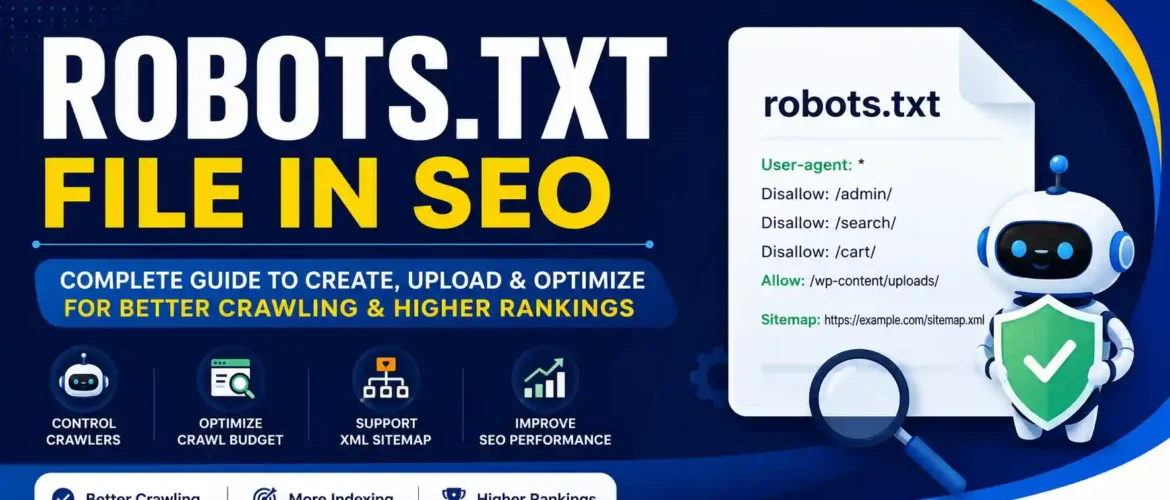
What is Robots.txt, Why It Matters, How to Create, Upload & Optimize for Better SEO
Table of Contents
- Introduction to Robots.txt
- What is a Robots.txt File?
- Why Robots.txt is Important for SEO
- How Search Engine Crawlers Work
- Location of Robots.txt
- Syntax of Robots.txt
- Common Robots.txt Directives
- Robots.txt Examples
- How to Create Robots.txt
- How to Upload Robots.txt
- Robots.txt for WordPress
- Robots.txt for HTML Websites
- Robots.txt for Ecommerce Websites
- Robots.txt Best Practices
- Robots.txt Mistakes to Avoid
- Advantages of Robots.txt
- Disadvantages of Robots.txt
- Robots.txt vs Meta Robots Tag
- Robots.txt vs Noindex
- Robots.txt and XML Sitemap
- Testing Robots.txt
- Robots.txt SEO Checklist
- Frequently Asked Questions
- Conclusion
What is Robots.txt?
A robots.txt file is a simple text file placed in the root directory of your website that tells search engine crawlers which pages or folders they are allowed or not allowed to crawl.
It follows the Robots Exclusion Protocol (REP).
Example:
https://www.example.com/robots.txtEvery major search engine such as Google, Bing, Yahoo, DuckDuckGo, and Yandex checks this file before crawling your website.
Why is Robots.txt Important for SEO?
Although robots.txt does not directly improve rankings, it plays an important role in technical SEO.
It helps search engines:
- Crawl important pages faster
- Avoid wasting crawl budget
- Ignore unnecessary pages
- Find XML Sitemap
- Improve website crawling efficiency
How Search Engines Read Robots.txt
When Googlebot visits your website:
Step 1:
Visits
example.com/robots.txt↓
Step 2:
Reads the instructions
↓
Step 3:
Determines which URLs it can crawl
↓
Step 4:
Starts crawling permitted pages
Where Should Robots.txt Be Located?
Always place it in the root folder.
Correct
https://example.com/robots.txtWrong
https://example.com/files/robots.txt

https://example.com/images/robots.txt
Robots.txt Syntax
User-agent
Specifies which crawler the rule applies to.
Example
User-agent: GooglebotFor all search engines:
User-agent: *Disallow
Blocks crawling.
Example
Disallow: /admin/Blocks
example.com/admin/Allow
Allows crawling even inside blocked folders.
Example
Allow: /images/Sitemap
Tells search engines where the XML Sitemap is located.
Example
Sitemap: https://example.com/sitemap.xmlCrawl-delay
Limits crawling speed.
Example
Crawl-delay: 10Google ignores Crawl-delay but Bing supports it.
Common Robots.txt Examples
Allow Everything
User-agent: *
Disallow:
Block Entire Website
User-agent: *
Disallow: /
Never use this on a live website.
Block Admin Folder
User-agent: *
Disallow: /admin/
Block Login Page
User-agent: *
Disallow: /login/
Block PDF Files
User-agent: *
Disallow: /*.pdf$
Block Search Pages
User-agent: *
Disallow: /search/
Allow Images
User-agent: Googlebot-Image
Allow: /uploads/
Complete SEO Robots.txt
User-agent: *

Disallow: /wp-admin/

Allow: /wp-admin/admin-ajax.php

Disallow: /search/

Disallow: /cart/

Disallow: /checkout/

Sitemap: https://example.com/sitemap.xml
How to Create Robots.txt
Using tool
Kingofseo FREE Robots.txt Generator tool Click Here
Method 1
Open Notepad
↓
Save as
robots.txt↓
Upload to the website root folder
Method 2
Using cPanel
- Open File Manager
- public_html
- Create robots.txt
- Save
Method 3
WordPress SEO Plugins
- Yoast SEO
- Rank Math
- AIOSEO
How to Upload Robots.txt
Via cPanel
- Login
- File Manager
- public_html
- Upload robots.txt
- Verify
Via FTP
- Connect using FileZilla
- Open the root folder
- Upload robots.txt
Via Hosting File Manager
Upload directly into the website root directory.
Robots.txt for WordPress
Recommended:
User-agent: *

Disallow: /wp-admin/

Allow: /wp-admin/admin-ajax.php

Sitemap: https://example.com/sitemap.xml
Robots.txt for HTML Websites
User-agent: *Disallow: /private/
Disallow: /admin/
Sitemap: https://example.com/sitemap.xmlRobots.txt for E-commerce
User-agent: *

Disallow: /cart/

Disallow: /checkout/

Disallow: /account/

Disallow: /search/

Sitemap: https://example.com/sitemap.xml
Advantages of Robots.txt
| Advantage | Description |
|---|---|
| Improves Crawl Budget | Google spends time on important pages |
| Faster Crawling | Eliminates unnecessary URLs |
| Better SEO | Important pages get crawled efficiently |
| Protects Admin Areas | Reduces unnecessary crawler access |
| Supports Sitemap | Helps search engines discover pages |
| Reduces Duplicate Content Crawling | Limits crawling of filter or search URLs |
| Saves Server Resources | Fewer unnecessary crawler requests |
| Easy to Implement | Simple text file with minimal setup |
Disadvantages of Robots.txt
- Does not hide pages from users.
- Does not guarantee pages won’t appear in search results if other sites link to them.
- Anyone can view your robots.txt file.
- Incorrect rules can accidentally block your website from search engines.
- Not a security feature.
Robots.txt Best Practices
- Keep it simple.
- Always include your XML Sitemap.
- Test before publishing.
- Block only low-value pages.
- Do not block CSS and JavaScript files unless necessary.
- Regularly review after website updates.
- Use comments (
#) to document complex rules.
Common Robots.txt Mistakes
❌ Blocking the entire website
Disallow: /❌ Blocking CSS
Disallow: /css/❌ Blocking JavaScript
Disallow: /js/❌ Forgetting Sitemap
❌ Wrong file name
Robot.txtCorrect
robots.txtRobots.txt vs Meta Robots
| Robots.txt | Meta Robots |
|---|---|
| Controls crawling | Controls indexing and link following |
| Site-level configuration | Page-level configuration |
| Stored as a text file | HTML meta tag |
| Can reduce crawl activity | Requires the page to be crawled to be seen |
Robots.txt vs Noindex
| Robots.txt | Noindex |
|---|---|
| Prevents crawling | Prevents indexing |
| Search engines may still list the URL without content | URL is removed from search results when respected |
| Uses text file | Uses HTML meta tag or HTTP header |
Robots.txt and XML Sitemap
Always include:
Sitemap: https://example.com/sitemap.xmlBenefits:
- Faster discovery
- Better indexing
- Improved crawl efficiency
- Easier maintenance
How to Test Robots.txt
-
Open your browser:
https://yourdomain.com/robots.txt - Verify the file loads without errors.
- Use your search engine webmaster tools to inspect URLs and confirm they can be crawled as intended.
- Check server logs or crawl reports for unexpected blocked resources.
Robots.txt SEO Checklist
✅ File exists at the root directory
✅ File name is exactly robots.txt
✅ Uses correct syntax
✅ Includes User-agent rules
✅ Blocks only unnecessary folders
✅ Allows important resources (CSS/JS)
✅ Includes XML Sitemap URL
✅ Tested after changes
✅ Reviewed after site redesign or migration
✅ Monitored through webmaster tools
Frequently Asked Questions (FAQ)
1. What is a robots.txt file?
It is a text file that tells search engine crawlers which areas of your website they can or cannot crawl.
2. Does robots.txt improve SEO?
Yes. It helps optimize crawl efficiency and crawl budget, which supports technical SEO.
3. Can robots.txt hide confidential pages?
No. It is not a security feature. Use authentication or proper access controls for private content.
4. Where should robots.txt be placed?
In the root directory of your website (e.g., https://example.com/robots.txt).
5. Can I block Google from crawling my website?
Yes, but blocking your entire site with Disallow: / should only be used for staging or development environments.
6. Is robots.txt mandatory?
No, but it is strongly recommended for most websites.
7. Can I have multiple robots.txt files?
No. A website should have only one robots.txt file at the root.
8. Can robots.txt remove pages from Google?
No. Use a noindex directive (where supported) or other appropriate methods if you want pages removed from search results.
9. Should I block CSS and JavaScript?
Generally, no. Search engines often need these files to render and understand your pages correctly.
10. How often should I update robots.txt?
Whenever your site structure changes or new sections need crawl management.
Conclusion
A well-configured robots.txt file is an essential part of technical SEO. It helps search engines focus on your most valuable content, improves crawl efficiency, conserves server resources, and guides crawlers to your XML sitemap. However, it should be used carefully—misconfigurations can unintentionally block important pages or resources.
Regularly review your robots.txt file, test any changes, and align it with your overall SEO strategy to ensure your website remains easily crawlable and indexable.