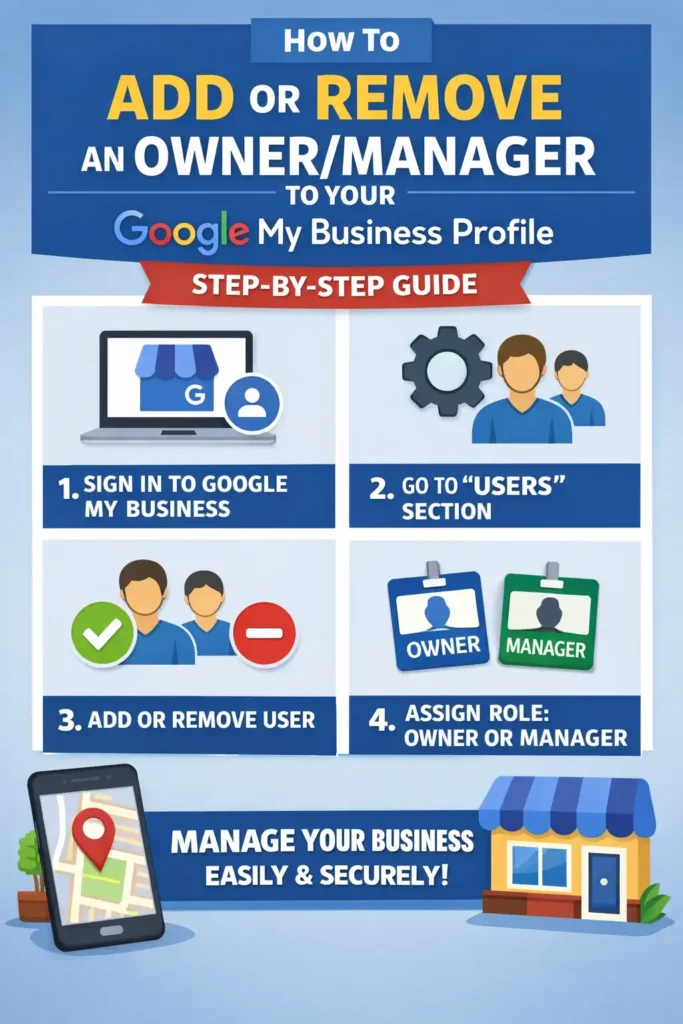
As the owner, you have full control over the profile. You can add or remove users, manage profile info, and even delete the profile. A Business Profile can have multiple owners but only one primary owner.
Managers
Managers, formerly known as “site managers,” have mostly the same access to the profile as owners. The only exception is they can’t add or remove users or remove the profile.
Add owners & managers
1. Go to your Business Profile. 2. Select More and then Business Profile settings and then People and access. 3. At the top left, select Add Add user icon. 4. Enter an email address. 5. Under “Access,” select Owner or Manager. 6. Select Invite.
Change access roles for owners & managers
1. Go to your Business Profile. 2. Select More and then Business Profile settings and then People and access. 3. Select the user you’d like to change access for. 4. Next to “Access,” select Edit Edit. 5. Select the new role and then Save.
Remove an owner or manager
1. Go to your Business Profile. 2. Select More and then Business Profile settings and then People and access. 3. Select the user you’d like to remove and then Remove person.